
Can-Am Spyder 10.25" Touchscreen Display Apple CarPlay Update
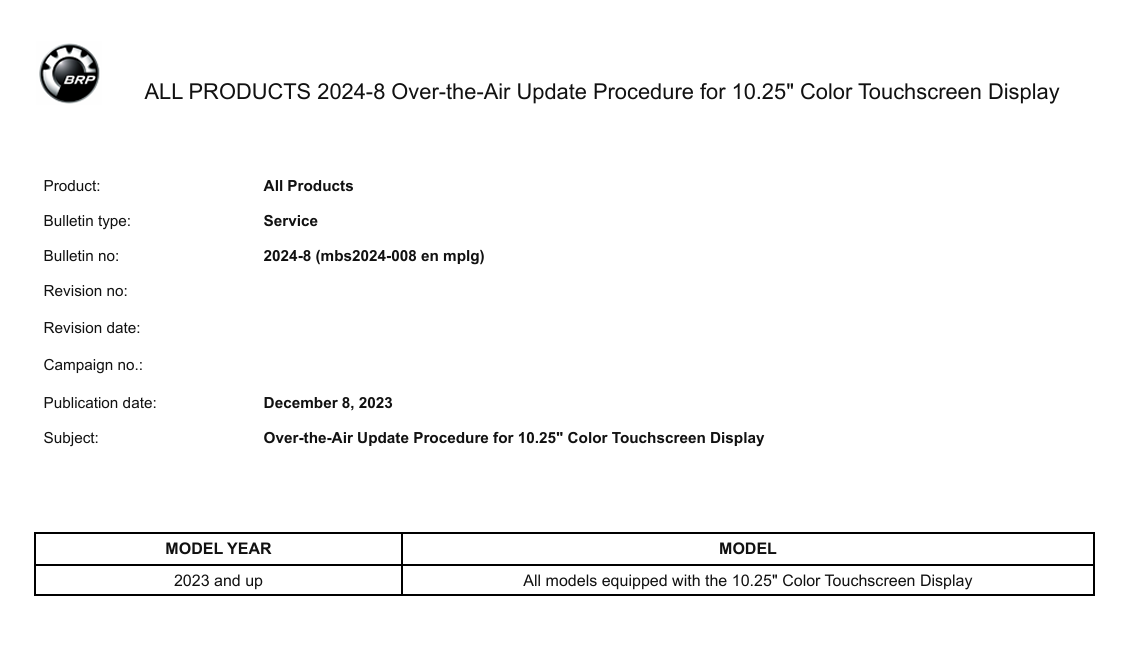
Software update procedure for the 10.25" touchscreen display on 2024 Can-Am Spyder RT and Spyder F3 models. Includes Apple CarPlay activation, Bluetooth stability improvements and BUDS2 programming instructions.
Manual content
Overview
This guide explains how to update the 10.25" touchscreen display installed on 2024 Can-Am Spyder RT and Spyder F3 models.
The update enables Apple CarPlay functionality, improves Bluetooth connectivity and provides the latest BRP display software.
The procedure can be completed using BUDS2 or over a Wi-Fi connection.
Can-Am Spyder Apple CarPlay Display Update
BRP released software update campaign 2024-4 for vehicles equipped with the 10.25" touchscreen display. The update resolves missing Apple CarPlay functionality and unstable Bluetooth connections.
Affected Models
- 2024 Can-Am Spyder RT
- 2024 Can-Am Spyder F3
Issues Corrected
- Missing Apple CarPlay support
- Bluetooth connection instability
- Display software improvements
Update Methods
The display can be updated using:
- BUDS2 diagnostic software
- Over-the-Air Wi-Fi update
BUDS2 Requirements
- MPI-3 Interface (P/N 529036353)
- Multifunction Gauge Update Cable (P/N 529036598)
- Internet connection for firmware download
- Battery voltage above 12.6V
Programming Procedure
- Connect the MPI-3 interface.
- Connect the Multifunction Gauge Update Cable.
- Connect the vehicle to BUDS2.
- Open the Flash page.
- Select the correct firmware package.
- Download and install the update.
- Wait for programming to complete.
Wi-Fi Update Procedure
- Open Preferences.
- Select Wi-Fi.
- Add a wireless network.
- Open General.
- Select Software Update.
- Follow on-screen instructions.
Apple CarPlay Requirements
- Headset connected via Bluetooth to the display.
- iPhone connected via USB cable.
- Use an Apple-certified USB cable.
- Keep iOS updated to the latest version.
- Remove direct Bluetooth pairing between phone and headset.
Important Notes
A blank replacement touchscreen display cannot be updated through Wi-Fi and must be programmed using BUDS2.
Maintain battery voltage above 12.6V throughout the update process.
Need BUDS2 Diagnostic Software?
DIAG-SYSTEMS supplies original BUDS2 licenses, MPI-3 interfaces and professional BRP diagnostic solutions for Can-Am, Sea-Doo and Ski-Doo vehicles.