
Download DIUS Flasher 4.0 and User Registration Guide | BRP ECU Flash Software
DIUS Flasher 4 is a professional ECU flashing and diagnostic software for BRP vehicles. This guide explains installation, activation, system requirements and firmware usage.
- Works on a single computer
- No installation required (portable USB use)
- 14-day activation system with auto renewal
- Access to stock and tuning firmware database
Manual content
Overview
DIUS Flasher 4 – Setup, Activation & Usage Guide
DIUS Flasher 4 is a professional solution for ECU flashing and diagnostics of BRP vehicles. It allows users to work with stock firmware and tuning files, perform updates and manage ECU data without dealer access.
Important Usage Rules
- DIUS 4 works only on a single computer
- Registration must be completed on the working machine
- Internet connection is required for activation
Activation System
- Initial activation period: 14 days
- Each update extends activation by +14 days
- Internet connection required for reactivation
System Requirements (Windows 10 Home)
For proper operation, install or enable:
- Microsoft .NET Framework 2.0 SP1 (x64)
- Microsoft .NET Framework 3.0 SP1
- Microsoft .NET Framework 3.5 SP1
- Microsoft Visual C++ 2010 x86
Installation & Launch
DIUS 4 does not require installation and runs directly from a folder.
- Extract files to a dedicated USB drive
- Use USB only for DIUS software
- Connect USB only when needed
This approach protects the software from system failures and data loss.
First Launch
- Run DIUS 4.0.4.exe
- Complete New User Registration
- Confirm via email
- Restart will occur automatically
- Accept disclaimer and open DIUS Tools
Firmware Access
Inside DIUS Tools:
- Press BRP → ECM Firmware
- Select firmware container:
- BRP DIUS Flasher 4.0 STOCK
- BRP DIUS Flasher 4.0 TUNES
You can view all available firmware files before purchase.
After registration, firmware counters are set to 0 until activation or purchase.
Licensing
Customers who purchased DIUS 4 or firmware will receive confirmation when files are added to their account.
If you are not yet a customer, you can purchase licenses or firmware directly on our website.
Read more:
- DIUS 4 is designed to operate only on a single computer!
User registration must be done on the computer that will be used to work with DIUS 4.
- Internet connection is required to activate/reactivate DIUS 4.
In order to protect intellectual property, DIUS 4 activation is performed for a period of 14 days from the date of registration of a new user, and it is reactivated for a period of +14 days after each update of DIUS 4.
- For proper operation of DIUS 4 on computers with Windows 10 Home, you must additionally install (or enable them in Windows features):
- Microsoft .NET Framework 2.0 Service Pack 1 (x64)
https://www.microsoft.com/pt-BR/download/details.aspx?id=6041
- Microsoft .NET Framework 3.0 Service Pack 1
https://www.microsoft.com/pt-pt/download/details.aspx?id=3005
- Microsoft .NET Framework 3.5 Service Pack 1
https://www.microsoft.com/pt-pt/Download/confirmation.aspx?id=22
- Microsoft Visual C++ 2010 x86 Redistributable
https://www.microsoft.com/en-ca/download/details.aspx?id=5555
*********************************************************
DIUS 4 software does not require installation and is launched from a folder.
We strongly recommend that you unzip the DIUS 4 archive on a removable USB memory stick that will only be used to store DIUS 4. In this case, you can only connect the usb memory stick to the computer when you need to use DIUS 4. In addition, DIUS 4 will be protected from computer hard drive failures.
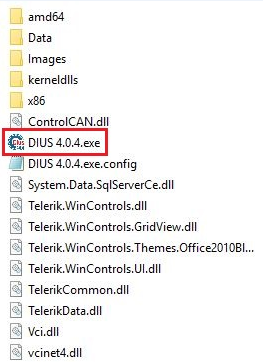
To start DIUS 4, run DIUS 4.0.4.exe.
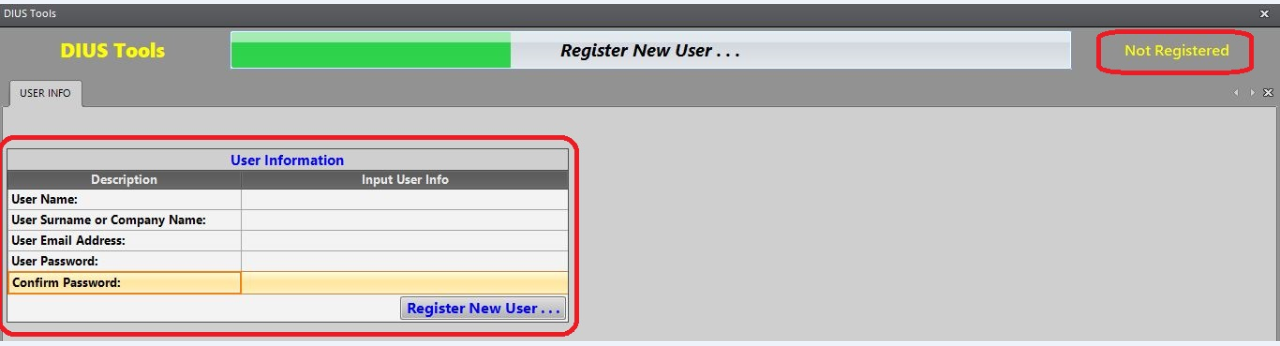
When you first time run it a New User Registration window will open.
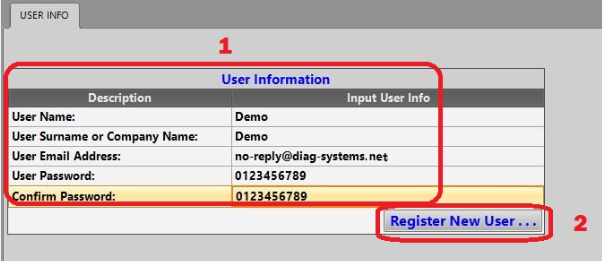
Enter your details and click on "Register New User ..."
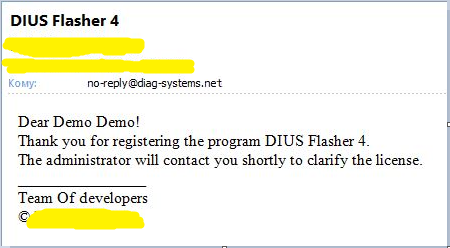
Confirmation of successful registration will be sent to the specified email.
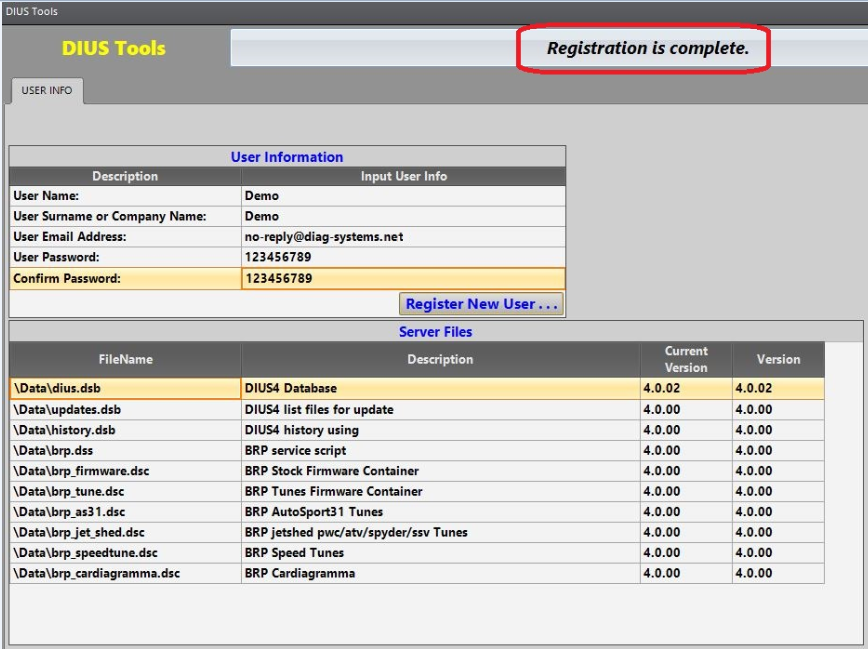
After successful user registration DIUS 4 will automatically restart.
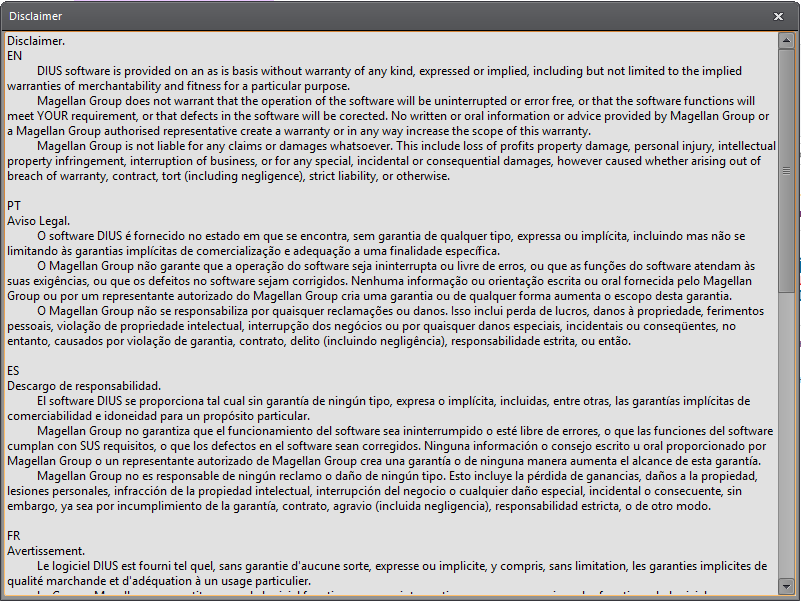
Read the disclaimer carefully and close it.
Press on Ok and open the DIUS Tools.
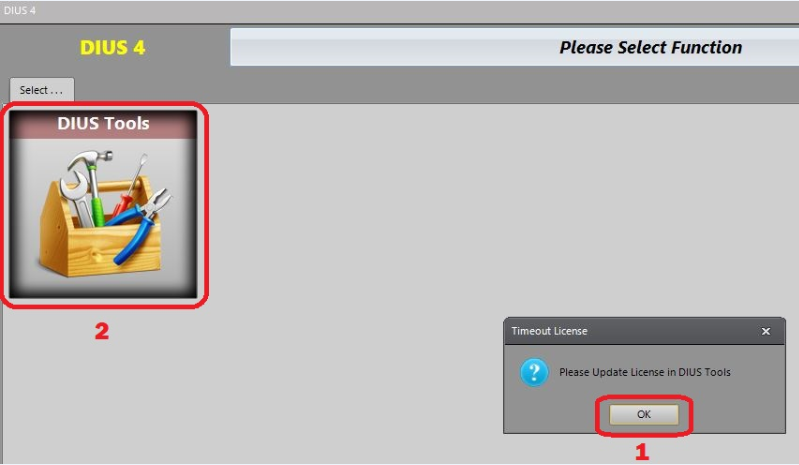
the DIUS Tools.
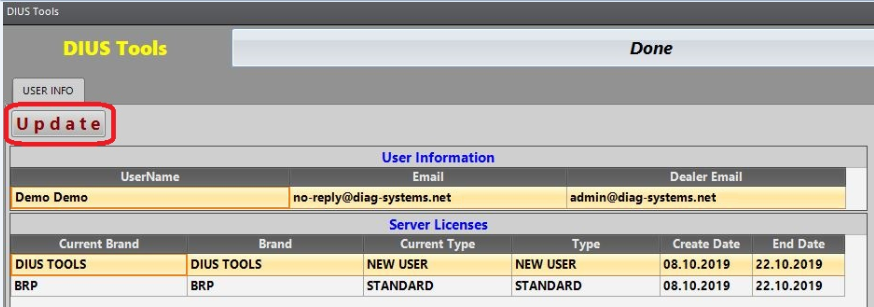
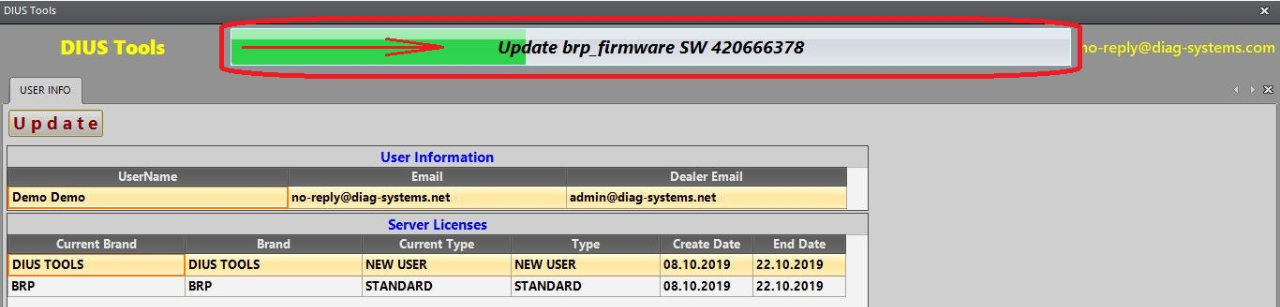
Updating in progress.
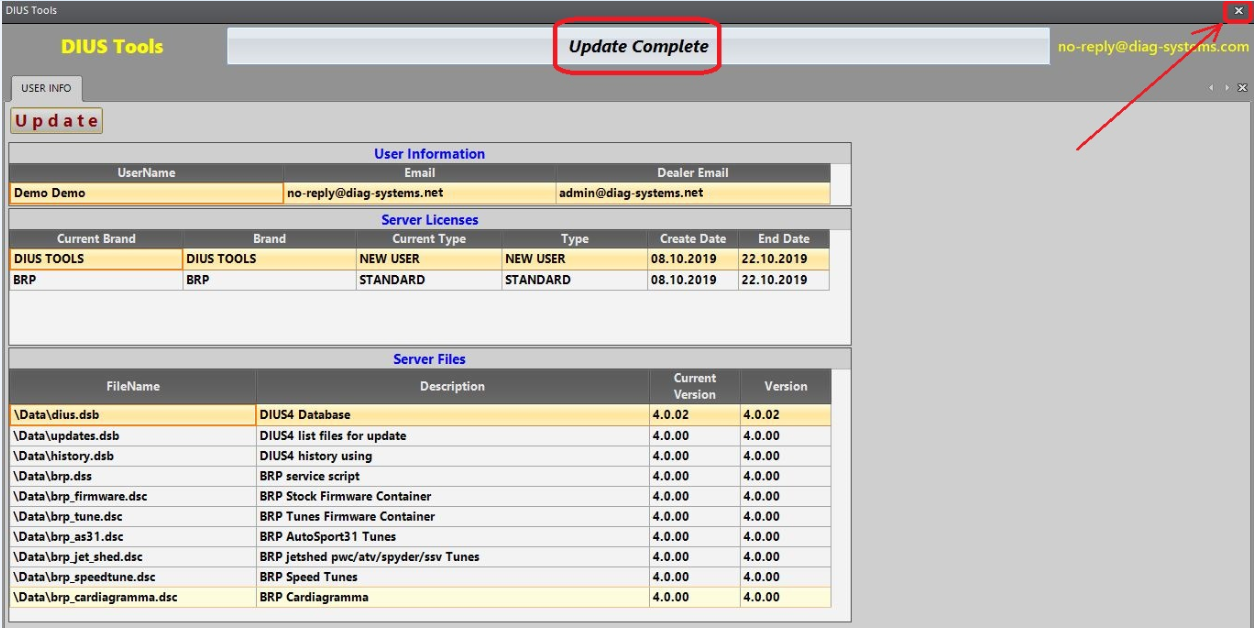
DIUS Tools after Update Complete.
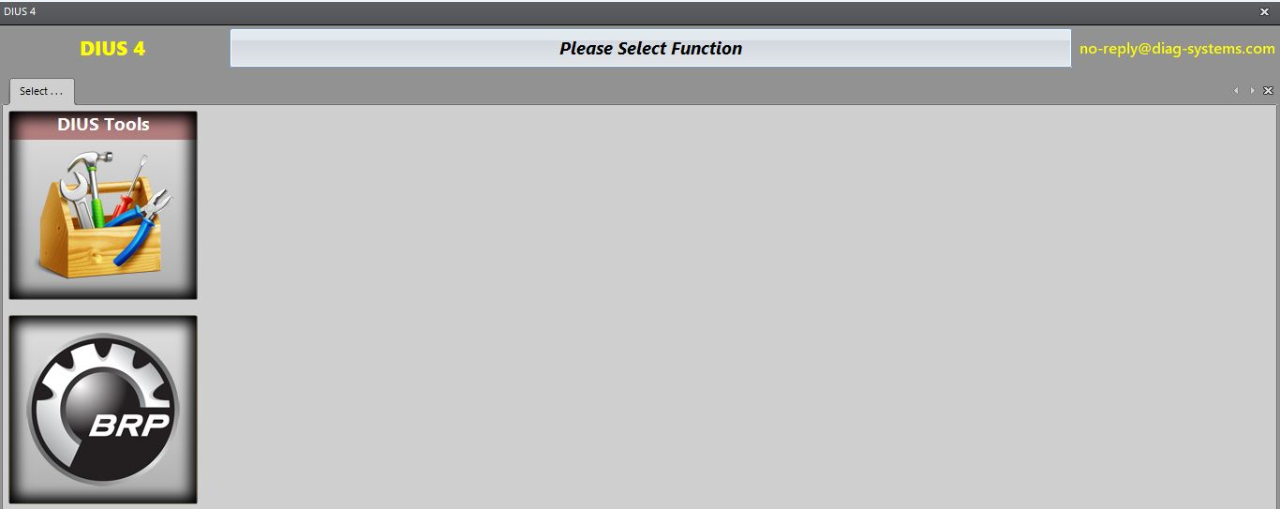
Press F12 on the keyboard (to refresh the window contents) and press on button “BRP”.
ECM Firmware.
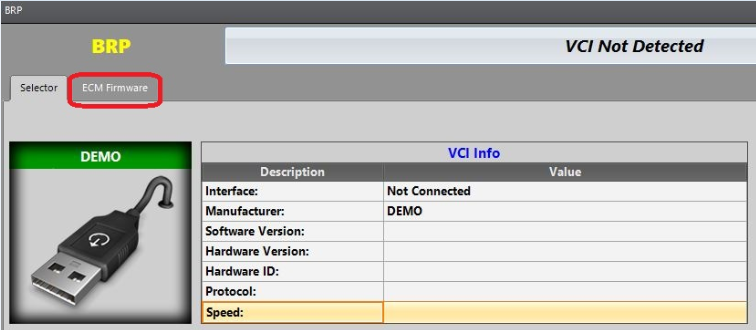
At the moment, two containers of firmware are available for users:
- BRP DIUS Flasher 4.0 STOCK
- BRP DIUS Flasher 4.0 Tunes
Select the container you are interested in and open the list of firmware below.
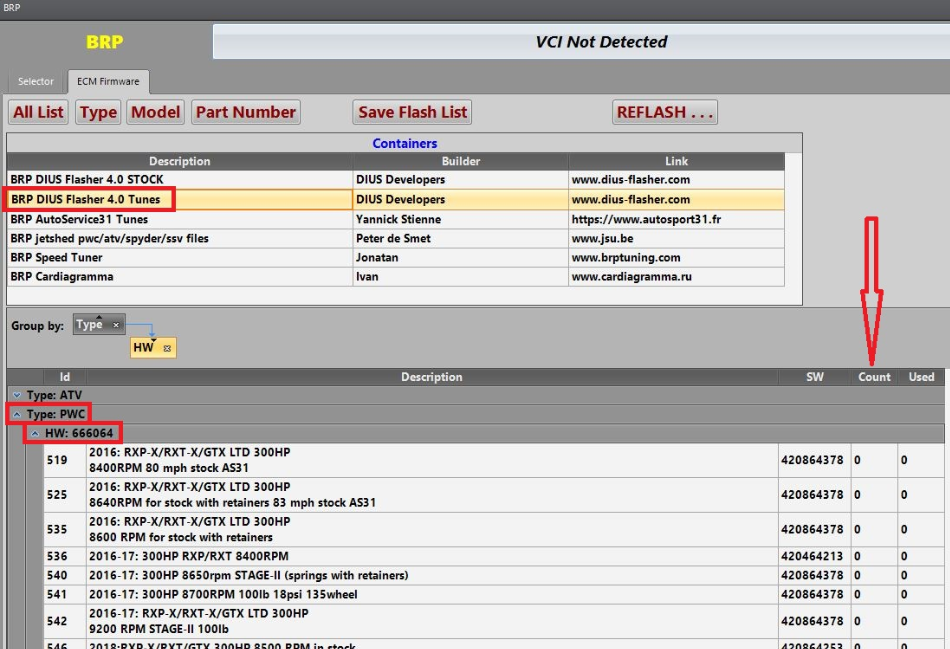
Please note: you can see the entire list of firmware available for purchase.
After user registration, all firmware counters are set to "0".
If you have already bought any version of DIUS 4 (or you is our customer of any version of DIUS 3), or you already bought only one firmware DIUS 4 (or several firmware), then expect a message from the dealer that “your firmware or version of DIUS 4 has been successfully added to your account”.
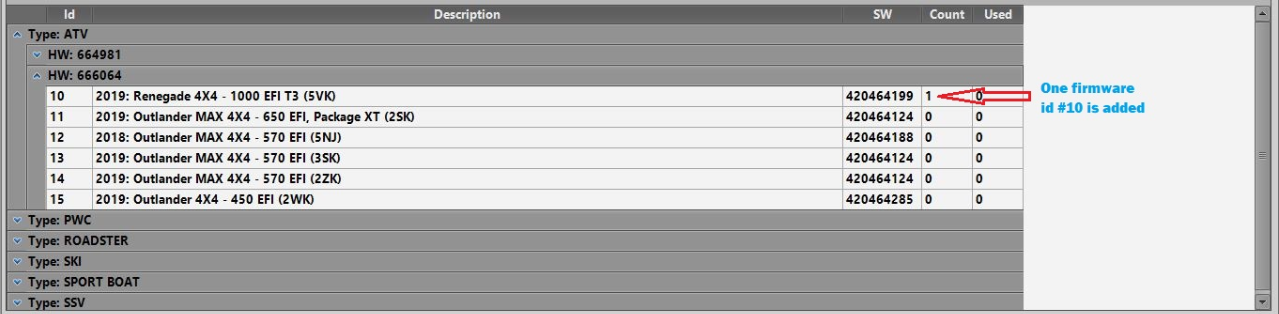
are not yet our customer, then you can buy any version of DIUS 4, or only one firmware (or several firmware) on our website