BUDS2 License Registration Guide
Step-by-step instructions for BUDS2 license registration including MPI interface connection, license request process and first program start.
Manual content
Overview
This guide explains how to register and activate a BUDS2 diagnostic software license for BRP vehicles such as Sea-Doo, Ski-Doo and Can-Am.
Follow the instructions below to connect your MPI interface, request the license key and prepare the software for full diagnostic operation.
BUDS2 License registration.
1. Connect your MPI interface to computer.
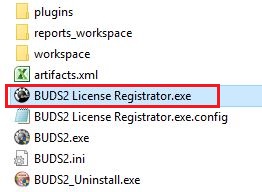
2. Open BUDS2 folder: C:\Program Files (x86)\BRP\BUDS2
3. Run BUDS2 License Registrator.exe:
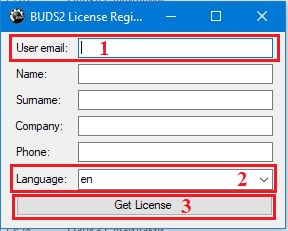
4. Specify your "User email", select the language, then click on "Get License".
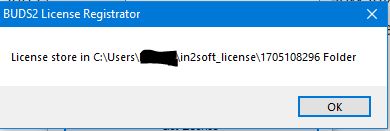
5. The information window appears. Click on OK:
Please contact me if on this step you will get the error and I will change some parameters on the server.
6. Run BUDS2.
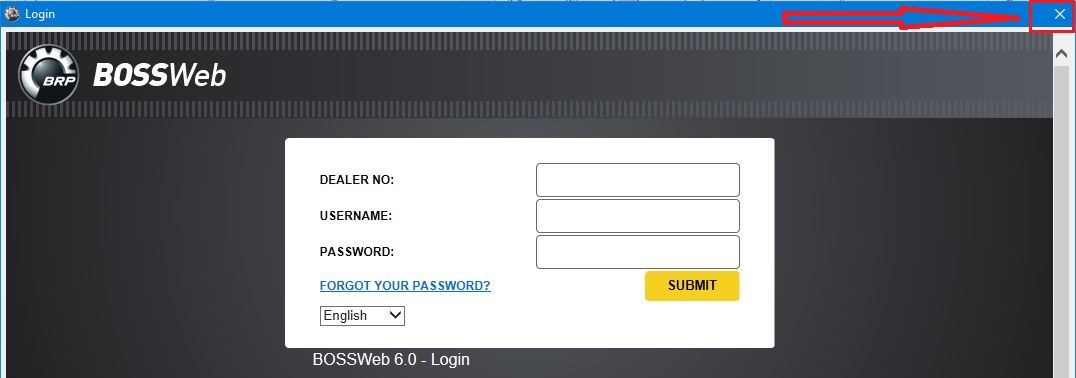
7. Close the window "Login BOSSWEB" (we do not provide an access to BOSSWEB):
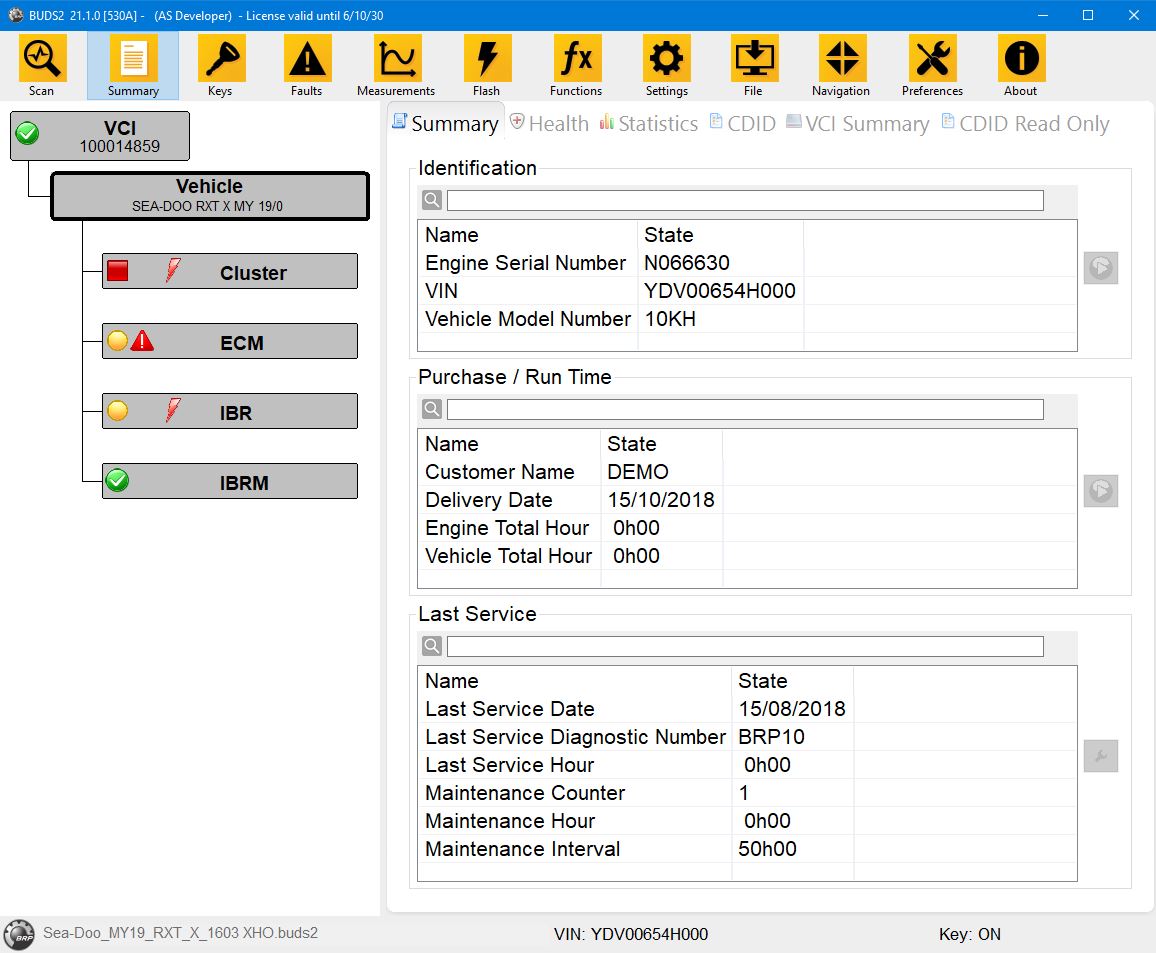
8. Use BUDS2:
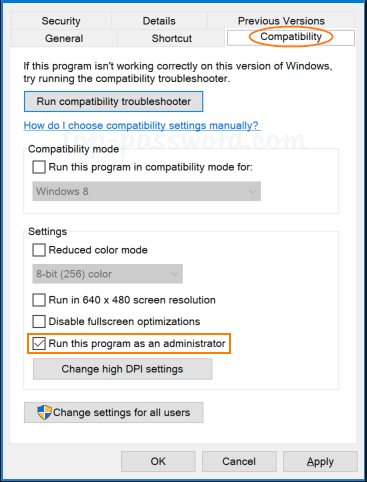
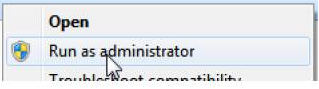
For BUDS2 every time run in administrator mode, you need to change the app’s compatibility settings.
Right-click on the app’s executable and select Properties, then click on the Compatibility tab.
Check the box Run this program as an administrator and then click Apply. Click OK to close the properties window: